eVisaFlow Southeast Asia
eVisaFlow is a Chrome extension for filling in official eVisa and arrival-card forms for seven Southeast Asian countries, for individual travelers and visa agencies alike. Passport and trip details are kept in the browser side panel, and passport data can be entered by OCR from an image. On the official websites of Cambodia, Vietnam, Laos, Indonesia, Thailand, Malaysia and Singapore, the extension fills in the form page by page, and the user checks it and submits it themselves. Agencies that fill in the same forms for many travelers save a great deal of repetitive typing and make fewer mistakes.
eVisaFlow is a Chrome extension for filling in official eVisa and arrival-card forms for seven Southeast Asian countries, for individual travelers and visa agencies alike. Passport and trip details are kept in the browser side panel, and on the official websites of Cambodia, Vietnam, Laos, Indonesia, Thailand, Malaysia and Singapore the extension fills in the form page by page; the user checks it and submits it themselves.
Built for entering the same traveler details again and again
The problem it solves
In several Southeast Asian countries, eVisas and arrival cards are applied for online on official government websites. The forms ask for much the same information: name, passport number, date of birth, passport issue and expiry dates, and travel and accommodation details. Travelers have to type all of it again for every trip, and visa agencies have to do it for every client, which takes time and leads to mistakes. eVisaFlow keeps these details in the browser and fills them into the official forms.
How it works
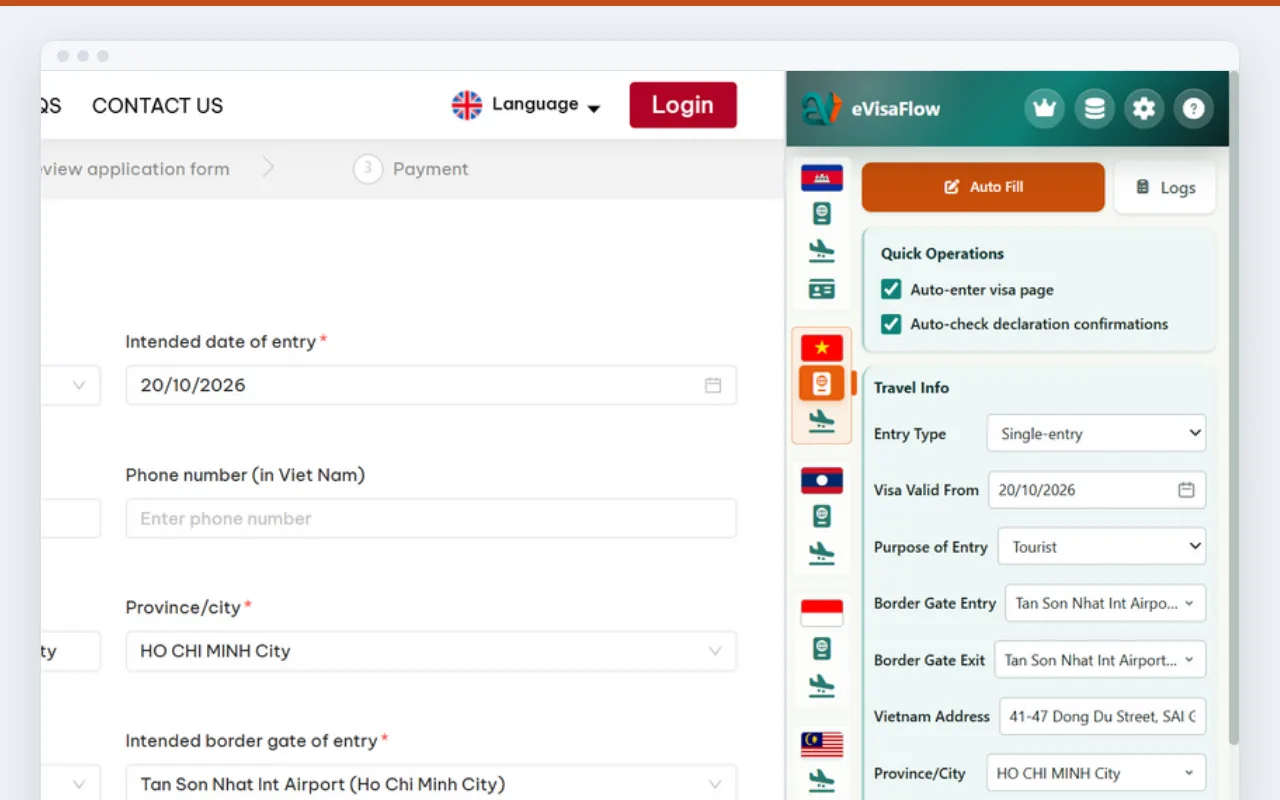
The user opens the form on the official website, chooses a passport profile in Chrome's side panel and clicks Auto Fill. The extension recognizes the website, switches to the matching country form, fills in the fields on the current page and shows a log of what it filled in the side panel. On forms that span several pages, such as the Cambodia e-Arrival card and the Thailand Digital Arrival Card, it recognizes which page the user is on and fills that page. Uploading photos and documents, entering verification codes, and the final check and submission are done by the user.
Managing traveler details
Passport profiles can be saved for the user, family members or clients and searched by name or passport number, and the extension points out duplicate entries. When a passport is within 6 months of expiry, it warns the user before filling. Trip details entered on a form can be saved as an itinerary and reused the next time the same form is filled. Profiles can be exported as JSON or CSV files, and JSON files can be imported again.
Who it is for
eVisaFlow is meant for individual travelers going to any of these seven countries, and for travel agencies and visa agencies that regularly handle eVisas and arrival cards for many travelers.
What you need and pricing
eVisaFlow needs the Chrome browser, and its interface is available in English, Simplified Chinese, Spanish, German and Korean. The free plan needs no account: it stores up to 3 passports, fills forms for up to 3 different passports a day and keeps one itinerary. Passport scanning requires signing in with a Google account and uses scan credits (10 scans for $2) or the Pro scan allowance. Pro costs $29 a month and stores 100 passports, with no limit on form filling, 500 scans a month (up to 100 a day) and multiple itineraries. Pricing, an FAQ and support are on the eVisaFlow website, evisaflow.com. eVisaFlow is an independent product and is not affiliated with any government.
Filling in forms right beside the official website
Filling from the side panel
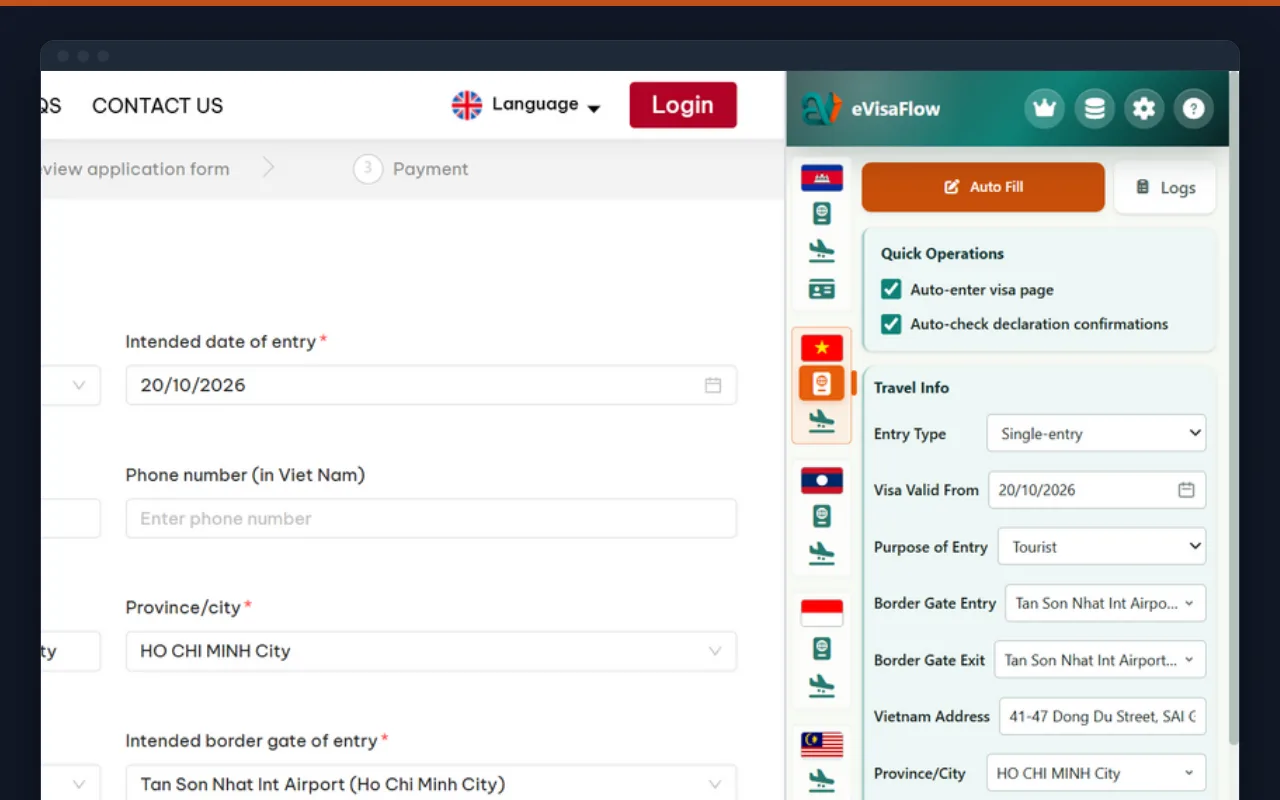
The side panel recognizes the official website the user is on, switches to the matching country form and shows a log of each step while it fills.
Passport scanning
After a passport photo is uploaded, the extension reads the machine-readable zone at the bottom of the passport page and creates a new profile for the user to check and save. Scanning requires a Google sign-in and uses scan credits or the Pro allowance.
Reusable passport profiles
Profiles are kept for the user, family members or clients, can be searched by name or passport number, and duplicates are flagged. Passports within 6 months of expiry trigger a warning in advance.
Supported countries and forms
Laos
eVisa and arrival registration.
Vietnam
eVisa and pre-arrival declaration.
Cambodia
eVisa, e-Arrival card and V-Pass.
Malaysia
Malaysia Digital Arrival Card (MDAC).
Thailand
Thailand Digital Arrival Card (TDAC).
Indonesia
eVisa and All Indonesia arrival card.
Singapore
SG Arrival Card.
Where data is stored and backed up
Stored in the user's browser
Passport profiles, photos and form settings are kept in Chrome's local storage. A passport image is sent to evisaflow.com only when the user scans it, and the server deletes the image once it has been read.
Optional Google Drive sync
Sync is off by default. After signing in with Google and connecting their own Google Drive, users can sync passport records and the images saved from scans to Drive and use them on other computers.