WTFAA
An AI side panel for reading, design review, frontend inspection, translation, screenshots, and user-reviewed test-data form actions on the current web page.
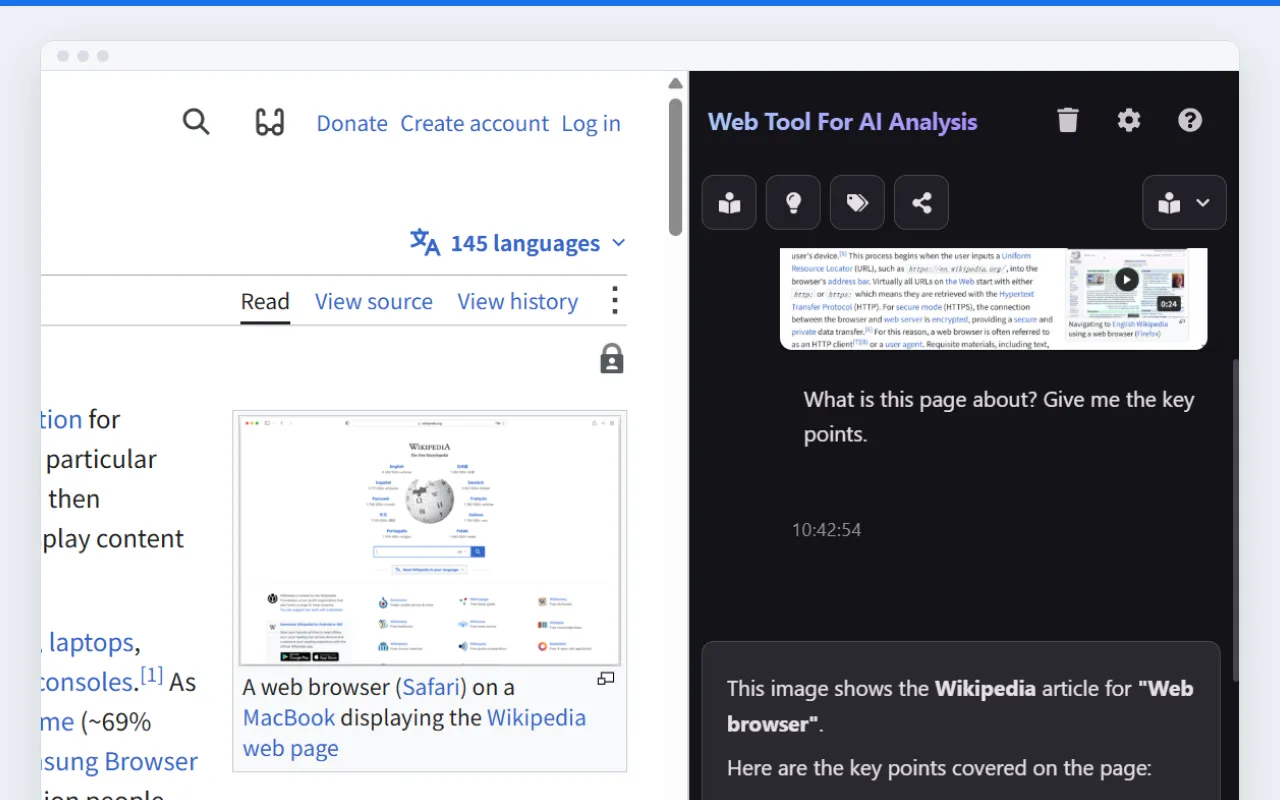
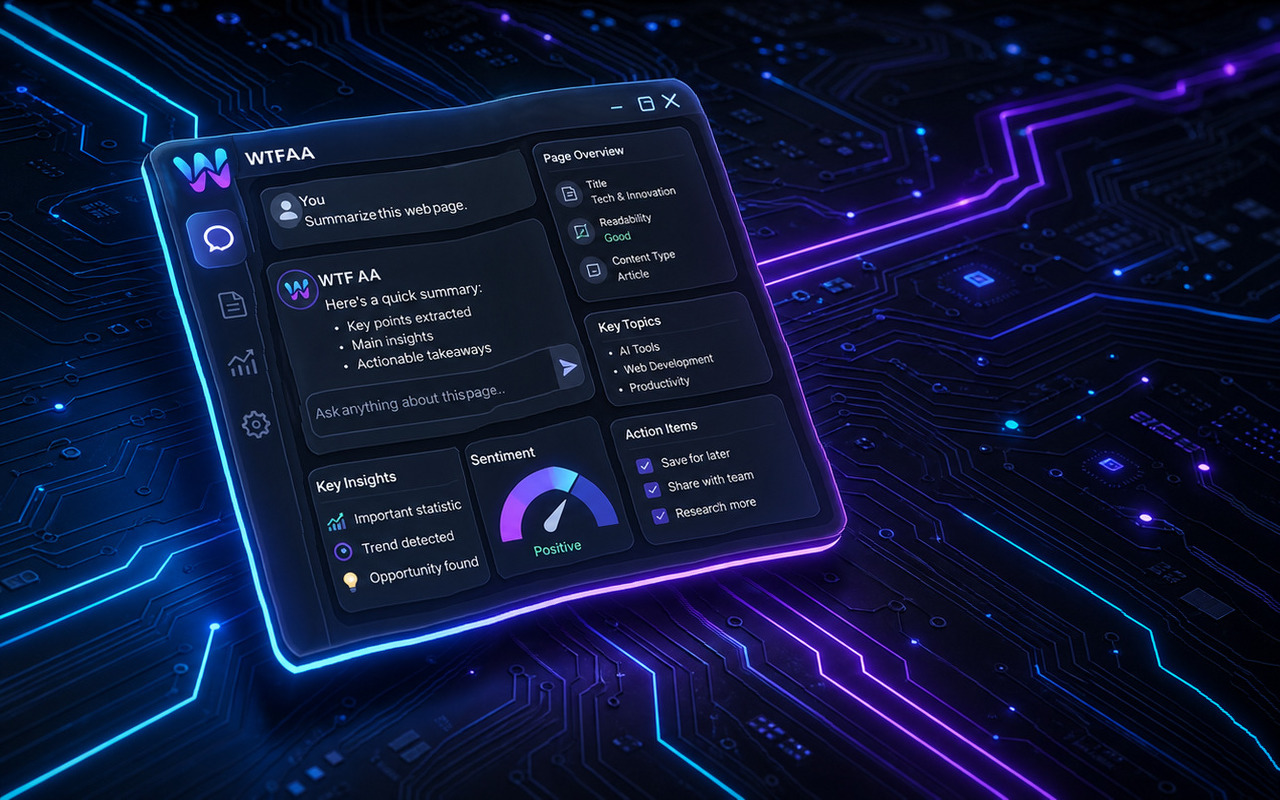
WTFAA is a focused Chrome side panel for people who analyze the web as part of their work. It turns the current page into structured AI context for reading, design review, frontend inspection, browser-facing QA, translation, screenshots, and user-reviewed test-data form actions. The product stays inside evidence available from the visible page and local DOM signals: it does not claim backend discovery, security scanning, or full compliance certification. Before page or form context is sent to AI, WTFAA shows a send preview and applies local heuristic redaction for common sensitive patterns.
What WTFAA is for
Who it is for
WTFAA is for people who inspect web pages as part of daily work: readers who need fast understanding, designers who need a second pass on visible UI quality, frontend developers who need browser-facing clues, and operators who need safer translation, screenshot, and test-data form workflows.
What it does on a page
The extension keeps the current page as the working object. It can summarize long content, explain difficult passages, extract keywords, review visible hierarchy and spacing, collect local color candidates, inspect frontend-facing signals, prepare browser-level QA matrices, translate content, analyze screenshots, and prepare test-data fill actions for visible form fields. Form actions require user review; WTFAA is not designed to submit forms, click payment buttons, accept terms, or perform irreversible actions.
AI access model
WTFAA supports both BYOK and platform-managed access. Free users can configure their own AI providers. Pro users can use supported platform-managed AI through their product plan, which reduces provider setup for users who want the workflow without maintaining separate API keys.
Privacy and boundary
The product has a clear boundary. It works from visible page content, screenshots, and local browser signals. It is not a backend scanner, vulnerability scanner, or compliance certification tool. Before page or form context is sent to AI, the extension shows a preview and applies local heuristic redaction for common sensitive patterns. No automated filter is perfect, so the final decision remains with the user.
Technical Expert
Inspect frontend-facing signals, generate browser-facing QA matrices, audit visible forms, and prepare user-reviewed test-data fill actions for visible fields.
Design Expert
Review visible hierarchy, typography, color candidates, spacing, and contrast risks as a practical design critique.
Reading Assistant
Summarize long pages, explain concepts, extract keywords, and reshape web content into practical social or research notes.
Preview Before Sending
Show page or form context before AI calls and apply local heuristic redaction for common sensitive patterns.